 Blender
 Cinema 4D
 Arnold
 3ds Max
 Houdini
 V-Ray
V-Ray Maya
Maya Unreal Engine
 Nuke
NukeBest Architectural Rendering Software: Which Tool Is Right for You?
 Ryan Thompson
There is no single best architectural rendering software for every project. The right choice depends on whether you are creating a photorealistic still, an animation, a real-time client presentation, or a BIM-based design review.
In this guide, we compare leading architectural rendering programs by realism, rendering speed, BIM and DCC integration, hardware requirements, platform support, and total cost, so you can choose a tool that fits your workflow rather than simply follow a popularity list.
Quick Answer: Which Architectural Rendering Software Is Best?
|
Use case |
Recommended tools |
|
Photorealistic architectural stills |
V-Ray, Corona Renderer |
|
Real-time BIM visualization |
Enscape, D5 Render |
|
Walkthroughs and presentations |
Twinmotion, Lumion |
|
Open-source workflow |
Blender Cycles |
|
GPU production rendering |
Redshift |
|
Large final-frame workloads |
Cloud rendering |
There is no single winner for every architecture project. Real-time renderers provide immediate feedback while you adjust a model, camera, or material. Offline ray-tracing engines usually provide deeper control over lighting and higher-end final output, but they can require more setup and computing power.
Many professional teams use both approaches. They may use a real-time tool for design development and client approval, then use a production renderer for final stills, animation, and compositing-ready output.
Before choosing software, define the output first. A residential interior study, a commercial development animation, and a BIM-based design review have very different requirements.
How to Choose Architectural Rendering Software
1. Start with the output
Begin by defining what you need to deliver. A project may require still images, an animation or walkthrough, a real-time presentation, a VR experience, an early design study, or polished marketing visuals. These outputs place different demands on a renderer.
Photorealistic stills usually require detailed lighting, physically based materials, high-resolution assets, and post-production, while real-time presentations depend more on responsive navigation, quick previews, and easy iteration during design reviews.
Choosing the output first will help you avoid paying for features your workflow does not need.
2. Check your existing workflow
The best rendering software is usually the one that works smoothly with the tools your team already uses. Revit, SketchUp, Rhino, Archicad, Vectorworks, 3ds Max, and Blender all have different integration options. A renderer that requires repeated exports and material rebuilding may create more work than it saves.
3. Match the renderer to your hardware
GPU renderers can provide excellent throughput, but they depend on GPU memory, drivers, and supported hardware. CPU rendering can be useful for large scenes that require substantial system memory or broad compatibility.
Mac and Apple Silicon support also matters for studios working across Windows and macOS.
4. Consider the total cost
Software licensing is only one part of the cost. Also consider workstation and GPU upgrades, RAM and storage, training time, maintenance, render waiting time, and cloud rendering for deadline-driven work.
5. Evaluate production scale
A tool that works well for one still image may become difficult to manage when you need dozens of views, high-resolution frames, or a long animation. Batch rendering, file transfer, automation, and remote capacity become more important as projects grow.
Best Architectural Rendering Software Compared
V-Ray: Best for Photorealistic Stills
V-Ray remains a strong choice for architectural teams that need detailed control over lighting, materials, reflections, and global illumination. It is widely used with applications such as 3ds Max, SketchUp, Rhino, and other design workflows.
Its main advantage is control. Artists can tune the image for realistic interiors, premium materials, daylight studies, and commercial marketing visuals. It is especially suitable when the final image will be examined closely or used in a high-end presentation.
The trade-off is a higher learning curve. V-Ray gives artists many options, but those options require a clear understanding of sampling, lighting, materials, and scene optimization. It is usually a better fit for experienced visualization artists than for users who only need instant previews.

Corona Renderer: Best for High-Quality Interior Visualization
Corona Renderer is known for an approachable workflow and strong results in architectural stills, especially interior visualization. It is commonly associated with 3ds Max and is also available for Cinema 4D workflows.
Corona is a practical option for artists who want physically based materials, interactive lighting workflows, and a relatively direct path to realistic images. It is often chosen for residential interiors, hospitality spaces, and still-image projects where lighting quality matters more than instant viewport performance.
Its limitations become more noticeable when a team needs very high-volume animation or a workflow optimized around GPU-only production. Before choosing Corona, check current hardware support, host application compatibility, and the type of output your studio produces most often.

Enscape: Best for Real-Time BIM Reviews
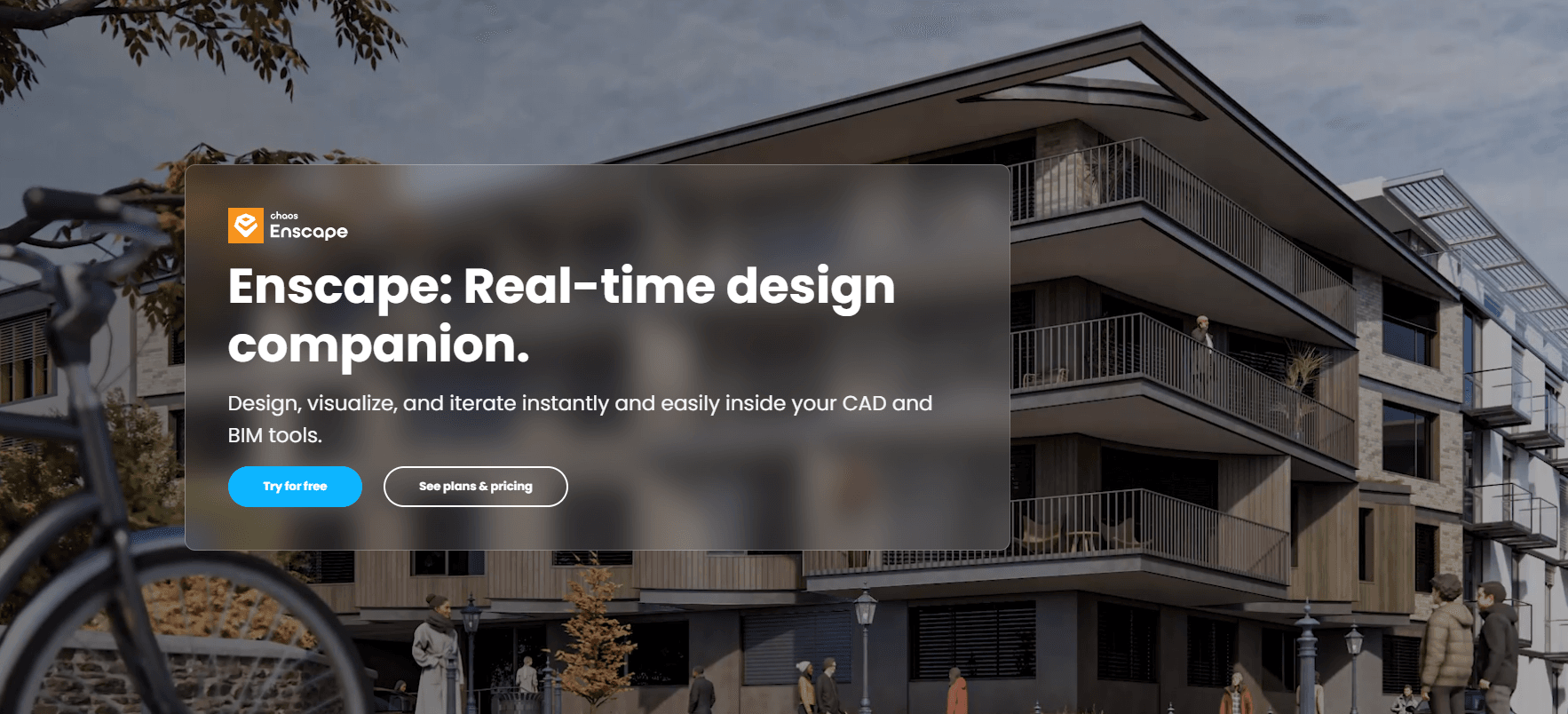
Enscape is designed for real-time visualization inside architectural and design workflows. Its integration with tools such as Revit, SketchUp, Rhino, and Archicad makes it useful for reviewing design changes without repeatedly exporting a scene to another application.
That makes Enscape particularly effective for client meetings, early design decisions, material studies, and internal coordination. Architects can move through a model, change views, and discuss the design while the project is still evolving.
Enscape is not always the ideal choice for the most demanding marketing stills or complex final-frame animation. Its strength is communication and iteration: helping teams understand a design quickly and make decisions before more expensive production work begins.
Twinmotion, Lumion, and D5 Render: Best for Fast Presentations
Twinmotion, Lumion, and D5 Render all focus on fast real-time visualization, scene dressing, and presentation workflows. They are useful for outdoor environments, landscape design, walkthroughs, urban context, and client-facing presentations.
These tools can reduce the time required to build a convincing scene by providing libraries of vegetation, furniture, people, materials, lighting presets, and atmospheric effects. They are often easier to approach than a full offline production renderer.
The important distinction is between presentation speed and final-image control. Real-time tools can be excellent for design communication, but the best choice for a final advertising image may still be a dedicated ray-tracing renderer. Compare them using the output your clients actually expect, not only the speed of the preview window.
Blender Cycles: Best Open-Source Option
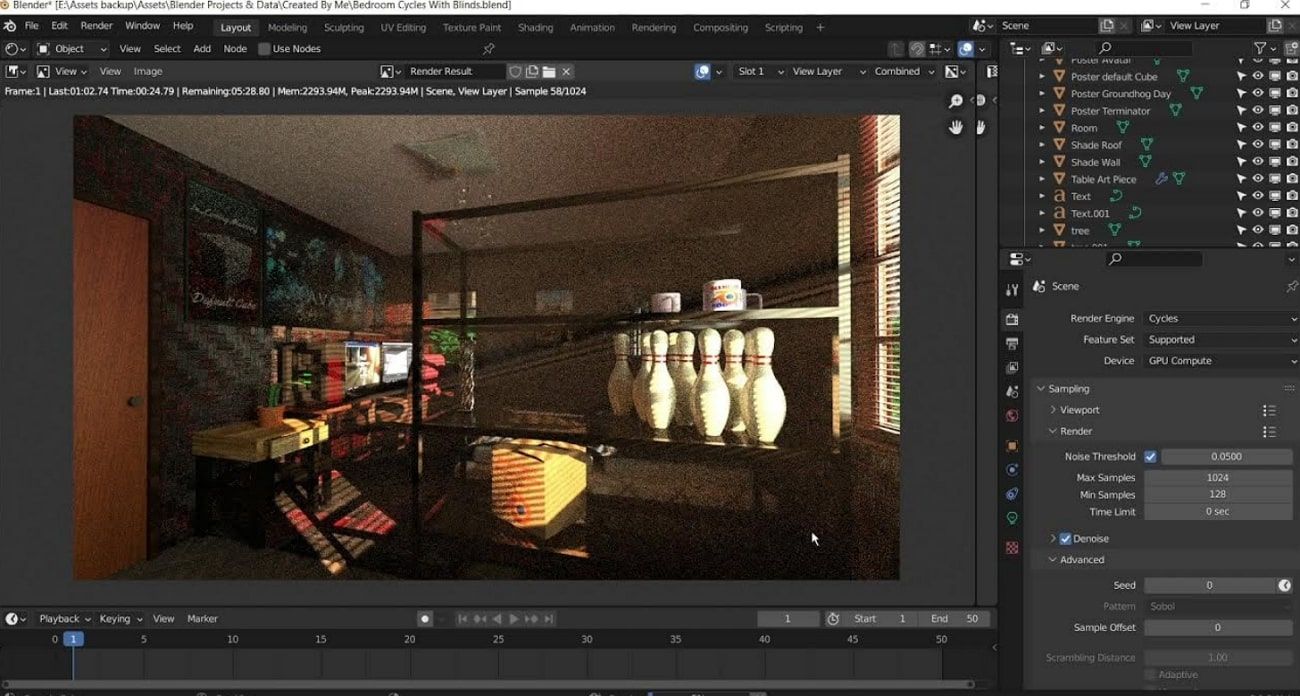
Blender is a powerful open-source platform for modeling, shading, animation, and rendering. Its Cycles engine supports path tracing and can use both CPU and GPU rendering, depending on the hardware and scene.
Blender is attractive to students, freelancers, small studios, and teams that want to avoid a traditional software subscription. It also provides a flexible environment for procedural materials, custom tools, scripting, and non-standard visualization workflows.
The trade-off is that teams may need to build more of their own pipeline. Importing BIM data, managing architectural assets, establishing standards, and supporting production scenes can require additional setup. For users comfortable with a flexible toolset, Blender can support everything from concept studies to polished architectural animation.
When local hardware becomes a bottleneck, a dedicated Blender render farm can help extend capacity for animation and high-resolution output.
Redshift: Best for GPU Production Rendering
Redshift is a GPU-accelerated renderer designed for production workloads. It is a strong option for teams that need consistent throughput across animation, motion design, and high-quality final frames.
Its production value comes from scalability and speed-to-quality on supported GPU hardware. It can be useful for architectural animation, repeated design variations, and projects that require many final frames rather than only one interactive preview.
Redshift should still be evaluated against your own scenes. GPU memory, driver stability, operating system support, and the software used to create the scene all affect the result. Apple Silicon and Metal support can also be relevant for studios with mixed hardware fleets.

Real-Time Rendering vs Offline Ray Tracing
Real-time and offline rendering solve different problems.
|
Criteria |
Real-time rendering |
Offline ray tracing |
|
First visual feedback |
Very fast |
Slower |
|
Design review |
Excellent |
Good |
|
Lighting control |
Moderate to high |
High to very high |
|
Walkthroughs |
Strong |
Possible, but slower to iterate |
|
Marketing stills |
Depends on the tool |
Usually stronger |
|
Hardware demand |
Moderate to high |
High |
Real-time rendering is valuable when the team needs to test options quickly. It supports live client meetings, design coordination, and early approval. The image may update immediately as the artist changes a material or camera.
Offline rendering takes longer to calculate, but it can provide more control over light transport, reflections, refractions, shadows, and final image quality. It is often preferred for hero images, high-resolution interiors, and animation where consistent output matters.
A useful way to compare the two is to separate time to first pixel from time to final frame. A real-time tool may produce a preview immediately, while a production renderer may deliver the better final result after a longer calculation.
Hardware, BIM Integration, and Total Cost
Your renderer choice is also a hardware decision. GPU rendering is attractive for highly parallel workloads, but GPU memory can limit scene complexity. Large textures, detailed vegetation, heavy geometry, and complex BIM exports can quickly increase VRAM requirements.
CPU rendering can be useful when scenes require large amounts of system memory or when compatibility is more important than raw throughput. Hybrid studios may use GPU machines for most frames while keeping higher-memory CPU workstations for difficult scenes.
BIM integration is equally important. A tool that works directly with Revit, SketchUp, Rhino, Archicad, or Vectorworks can reduce export and material-rebuilding work. If your pipeline relies on FBX, OBJ, or IFC, test whether geometry, hierarchy, instances, and materials survive the handoff.
The total cost should include licensing, hardware, storage, training, maintenance, and time spent waiting for renders. Pricing and feature availability change frequently, so verify current information on official vendor websites before making a purchase decision.
When Should You Use Cloud Rendering?
Cloud rendering is useful when the renderer is already suitable but local hardware cannot deliver the required output quickly enough.
Typical use cases include:
- high-resolution interior and exterior stills;
- multiple camera angles;
- architectural animations and walkthroughs;
- deadline spikes;
- large scenes that occupy a workstation for hours;
- projects where artists need to continue modeling while final frames render.
A practical workflow is:
BIM/CAD → Scene Setup → Real-Time Preview → Final Render → Cloud Rendering → Post-Production
A cloud render farm does not fix inaccurate modeling, poor materials, or weak lighting. It provides additional computing capacity after the scene is ready to render.
Fox Renderfarm is a cloud render farm for architect that supports CPU and GPU rendering workflows. Whether a team works with V-Ray, Corona, Blender, Redshift, or another supported renderer, Fox Renderfarm provides the additional CPU and GPU capacity needed to render those scenes remotely, so artists can continue modeling, lighting, and revising while final images or animation frames render in the cloud.
Fox Renderfarm is especially useful for high-resolution architectural stills, multiple camera views, walkthroughs, and animation sequences that can overwhelm a single workstation. Through its cloud rendering service, Fox Renderfarm helps teams move beyond local hardware limits while considering software compatibility, scene packaging, file transfer, data security, output consistency, and frame volume.

The best way to evaluate the workflow is to submit one representative scene first and compare render settings, image quality, transfer time, and estimated production cost before sending a complete project.
For a broader overview of the production process, check this guide to architectural rendering workflow.
FAQs
What is the best rendering software for architecture?
There is no single best option. V-Ray and Corona are strong for photorealistic stills, Enscape is useful for BIM-linked design review, Twinmotion and Lumion support fast presentations, Blender offers an open-source workflow, and Redshift is suited to GPU-based production rendering.
What are the top rendering software for architects?
Common choices include V-Ray, Corona Renderer, Enscape, Twinmotion, Lumion, D5 Render, Blender Cycles, and Redshift. The best choice depends on the required output, host application, hardware, budget, and the team's experience.
Is V-Ray better than Enscape for architectural rendering?
V-Ray is generally better suited to detailed final images that require extensive lighting and material control. Enscape is usually more convenient for real-time BIM visualization, client reviews, and rapid design iteration. Many teams use them at different stages of the same project.
Which architectural rendering software is best for beginners?
Enscape, Twinmotion, Lumion, and D5 Render are often easier starting points because they provide real-time feedback and accessible scene-building workflows. Blender is free and highly capable, but its flexibility can require more time to learn.
Is GPU rendering better than CPU rendering for architecture?
Not always. GPU rendering can be very fast when the scene fits within available VRAM and the software supports the hardware well. CPU rendering can be more practical for some large scenes, memory-heavy workflows, or compatibility requirements. Test with representative production files before deciding.
Do architects need a render farm?
Not every project needs one. A render farm becomes useful when local rendering slows down design work, an animation contains many frames, a project requires multiple high-resolution views, or a deadline is too close for a single workstation to handle the workload comfortably.
Conclusion
The best architectural rendering software is the one that fits your actual workflow. Choose V-Ray or Corona when final-frame realism and lighting control are the priority. Choose Enscape, Twinmotion, Lumion, or D5 Render when fast design communication matters most. Blender offers a flexible open-source path, while Redshift is a strong option for GPU-based production.
Choose the renderer first, then plan how you will deliver the final frames. When local hardware becomes the bottleneck, Fox Renderfarm can add capacity without interrupting the creative work happening on your studio machines.